How to Add Music to Your WhatsApp Status

By Trae Jacobs,

When you buy through our links, we may earn an affiliate commission.
Your WhatsApp status lacks music and you want to add a song to your photo or video update. You can easily fix this by using the music tools built into the Instagram app.
- Open Instagram and tap the button to add a new story [0:29].
- Select the photo or video you want to post from your camera roll [0:31].
- Tap the sticker icon at the top of the screen and select the Music option [0:39].
- Search for your preferred song, select it, and choose whether to display the music chip or the song lyrics on your screen [0:44].
- Adjust the song clip to the section you want, position it on your image, and tap Done [1:03].
- Tap the three dots in the corner and select Save to download the video with audio to your device [1:19].
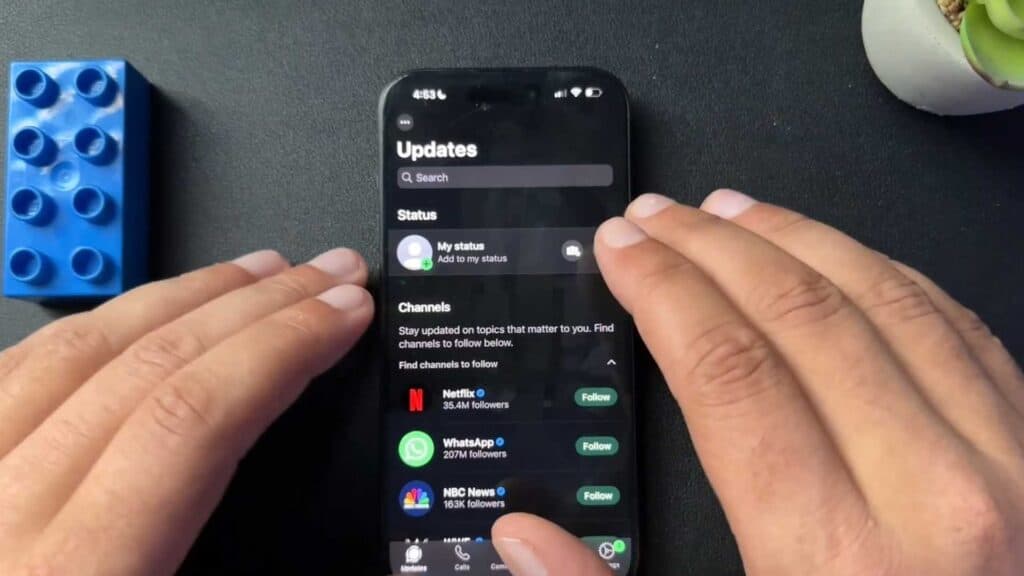
- Open WhatsApp, go to the Status tab, and select the video you just saved from your gallery to share it with your contacts.
Ninja Tip: If you want to keep the music playing without the visual sticker or lyrics cluttering your screen, resize the music chip as small as possible and drag it completely off the visible frame area before saving your story.
If you encounter persistent issues with media uploads, navigate to Settings > Apps > WhatsApp > Storage and clear your cache.
Keep Reading




