How to Add and Verify a Bank Account on PayPal

By Trae Jacobs,

When you buy through our links, we may earn an affiliate commission.
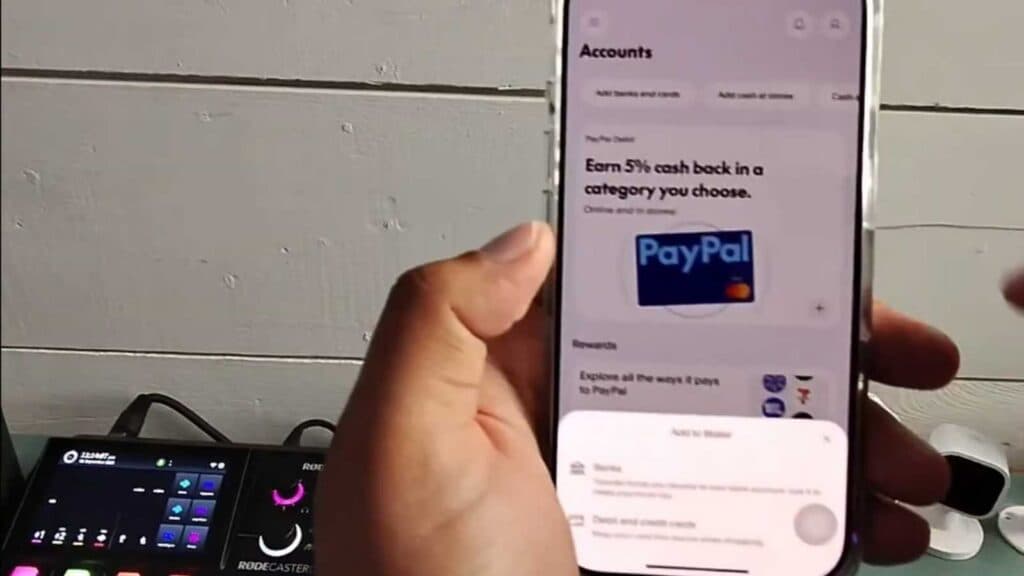
You need to add a bank account to your PayPal profile to transfer money and make payments. You can link your checking or savings account by following these steps.
- Open the PayPal app and tap the Accounts tab at the bottom of the screen. [0:06]
- Select “Add banks and cards” at the top, then tap “Add a bank account” at the bottom of the screen. [0:14]
- Enter your bank’s routing and account numbers, then select the option to link your account. [0:25]
- Complete the security challenge if prompted. [1:01]
- Check your online banking after a few days for two small deposits, then return to the “Linked banks and cards” section in your PayPal app to enter the exact amounts to confirm your bank.
Ninja Tip: If your bank supports instant verification through Plaid or a similar service, choose that option instead of micro-deposits to link your account immediately without waiting days for the test transactions to arrive.
If you encounter recurring errors, remove the bank account and re-add it via Settings > Data & Privacy > Linked Accounts.
Keep Reading



