How to Add an Instagram Collaborator to a Post

By Trae Jacobs,

When you buy through our links, we may earn an affiliate commission.
You need to add a collaborator to an Instagram post but the option is not clear. You can include a partner on new or existing posts by following these steps.
- Create your post or Reel and proceed to the final sharing screen [0:23].
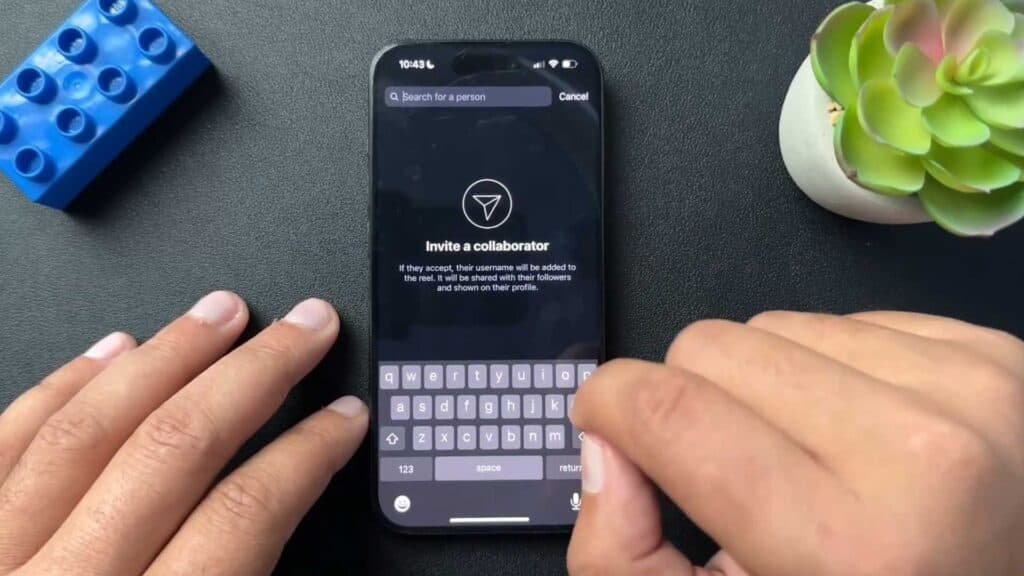
- Tap on Tag People and select Invite Collaborators to search for the account you want to add [0:50].
- Publish the post and the invited user will receive a notification that they must accept for the collaboration to appear on their profile [1:13].
- Open an already posted Reel or post, tap the three dots in the top corner, and choose Edit [1:59].
- Select Tag People again to add your collaborator using the Invite Collaborator feature.
Ninja Tip: If you are the collaborator and want to remove the post from your main grid without deleting the collaboration, tap the three dots on the post and select Remove from Profile Grid.
For persistent issues with tagging features, check for app updates in the App Store or Google Play Store.
Keep Reading



