How to Add a Debit or Credit Card to Apple Wallet

By Trae Jacobs,

When you buy through our links, we may earn an affiliate commission.
You need to add a payment card to your iPhone or Apple Watch to make contactless payments. You can set this up in a few minutes using your device settings.
- Open your Settings app and scroll down to select Wallet & Apple Pay. [0:17]
- Tap the Add Card option at the bottom of the screen to begin the setup process. [0:28]
- Select Debit or Credit Card from the menu and tap continue. [0:34]
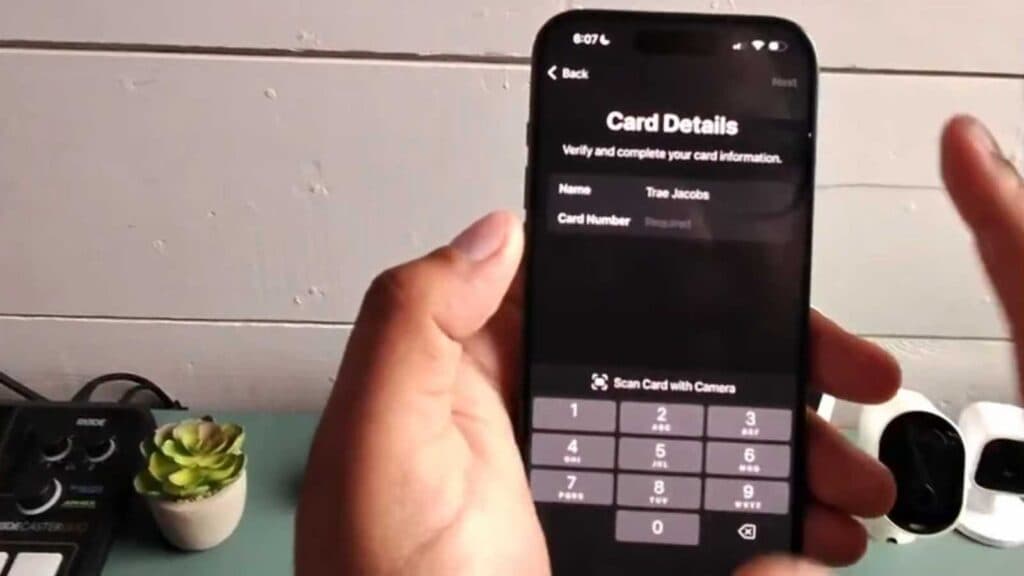
- Enter your card details manually or use your camera to scan them if prompted. [0:47]
- Follow the on-screen instructions to verify your card with your bank, which might include entering a CVV and expiration date.
Ninja Tip: If you have trouble verifying a new card, check your bank’s official mobile app, as many institutions now have a specific button to “Add to Apple Wallet” directly from their own interface.
If the wallet remains unresponsive, you can reset your device’s network settings by navigating to Settings > General > Transfer or Reset iPhone > Reset > Reset Network Settings.
Keep Reading


