Do Ring Cameras Record 24/7? Here Is the Truth

By Trae Jacobs,

When you buy through our links, we may earn an affiliate commission.
Your Ring camera does not record 24/7. You can adjust your settings to ensure you capture every important moment.
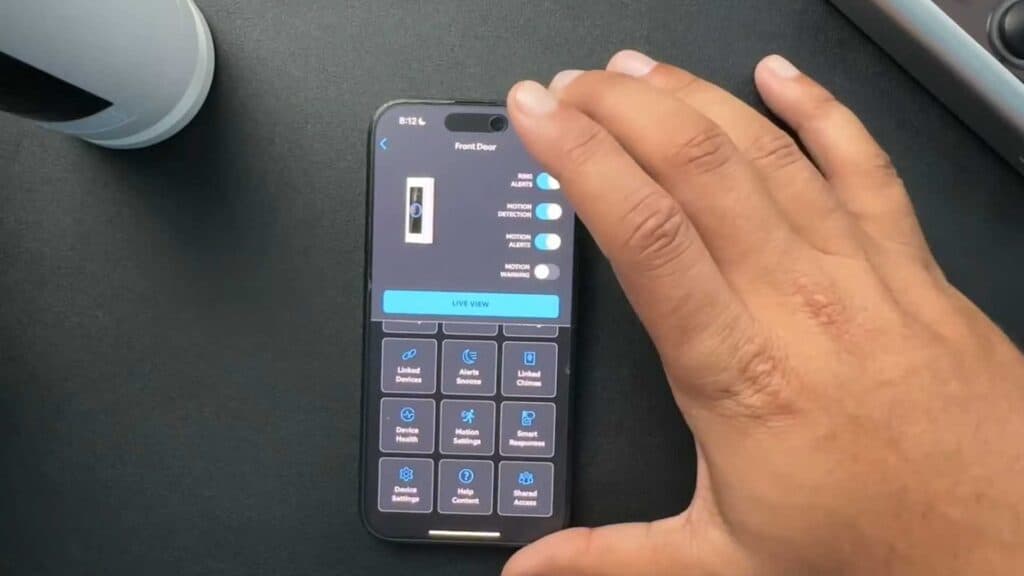
- Open your Ring app and navigate to your motion settings to define specific zones where you want the camera to monitor [1:15]. By excluding busy areas like roads, you prevent unnecessary notifications and recordings from passing cars [1:49].
- Adjust the motion sensitivity to ensure the sensor triggers recordings only when you truly need them [2:09]. This helps filter out unwanted alerts from things like pets moving around your yard [2:26].
- Set up snapshot captures in your device settings to have the camera take still images at regular intervals between motion events [2:48]. You can choose the frequency, such as every minute, to keep a consistent visual log of activity [3:12].
- Customize the clip length for your motion-activated recordings to ensure you never miss any of the action [3:41].
Ninja Tip: Check your Wi-Fi signal strength in the Device Health section of the app, as a weak connection often causes delayed motion triggers or gaps in your recorded clips.
If your camera still fails to record correctly, perform a hard reset by holding the setup button on the device for 20 seconds, then reconnect via Devices > Set Up a Device.
Keep Reading


