Do I Need Cable for My Smart TV?

By Trae Jacobs,

When you buy through our links, we may earn an affiliate commission.
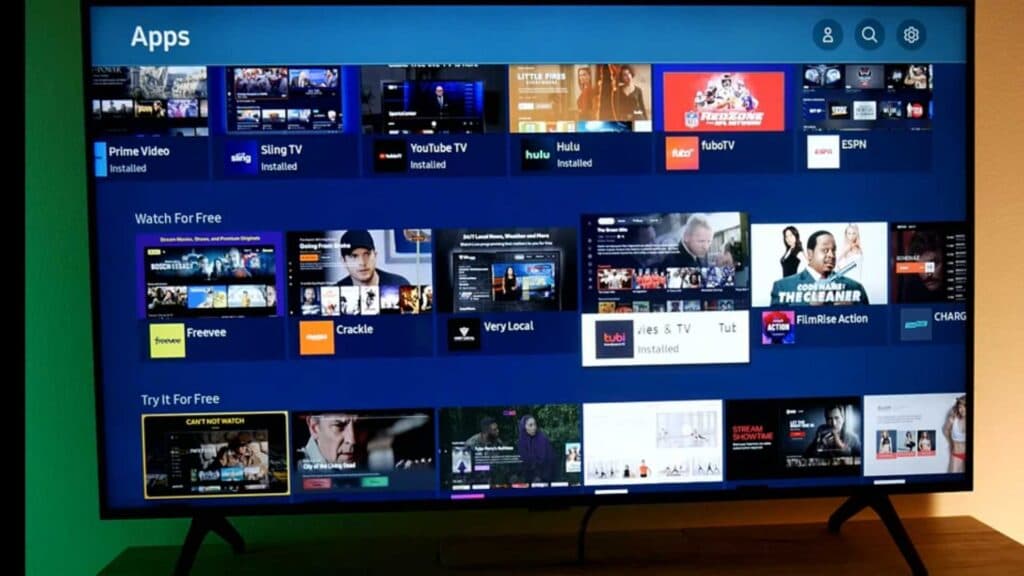
You currently have a new smart TV and are deciding if a cable subscription is necessary. You can access plenty of free and paid streaming services without one by using your internet connection.
- Connect your TV to the internet using Wi-Fi or an Ethernet cable to ensure you can access streaming apps [0:33].
- Open your TV’s app store and download the streaming apps you want to use, such as Tubi, Pluto TV, or YouTube [1:28].
- Create an account for the free streaming service on a computer by visiting their website and providing your name, email, and password [2:20].
- Navigate to the sign-in menu on your TV app to receive an activation code [2:39].
- Visit the activation website displayed on your TV screen and enter your code to link your account [2:48].
- Access built-in free channels by selecting your TV’s native service, such as Samsung TV Plus [4:45].
Ninja Tip: Check your TV’s input settings to see if you have an over-the-air antenna port; connecting a simple digital antenna allows you to watch local broadcast stations for free in high definition without any internet dependency.
If you still need to start fresh, you can perform a factory reset through Settings > Support > Device Care > Self Diagnosis > Reset.
Keep Reading


